If the photo looks usable, check it before you pay
Use the free preview to screen the current image, then choose the final UK passport photo route only when the source photo is worth keeping.
Yes, you can take a UK passport photo at home. The challenge is not whether it is possible but whether the setup is good enough. This page gives a practical checklist for lighting, background, face position, and clarity so users start with a stronger source photo.
To take a passport photo at home, use even daylight, a plain background, a straight-on camera position, and enough space around the head and shoulders. The goal is not a flattering portrait; it is a clear source image that can be prepared safely.
This page is both a search asset and a conversion asset because it meets users before they upload anything.
Related guidance: iPhone passport photo guide · upload checklist · free passport photo checker · common rejection reasons
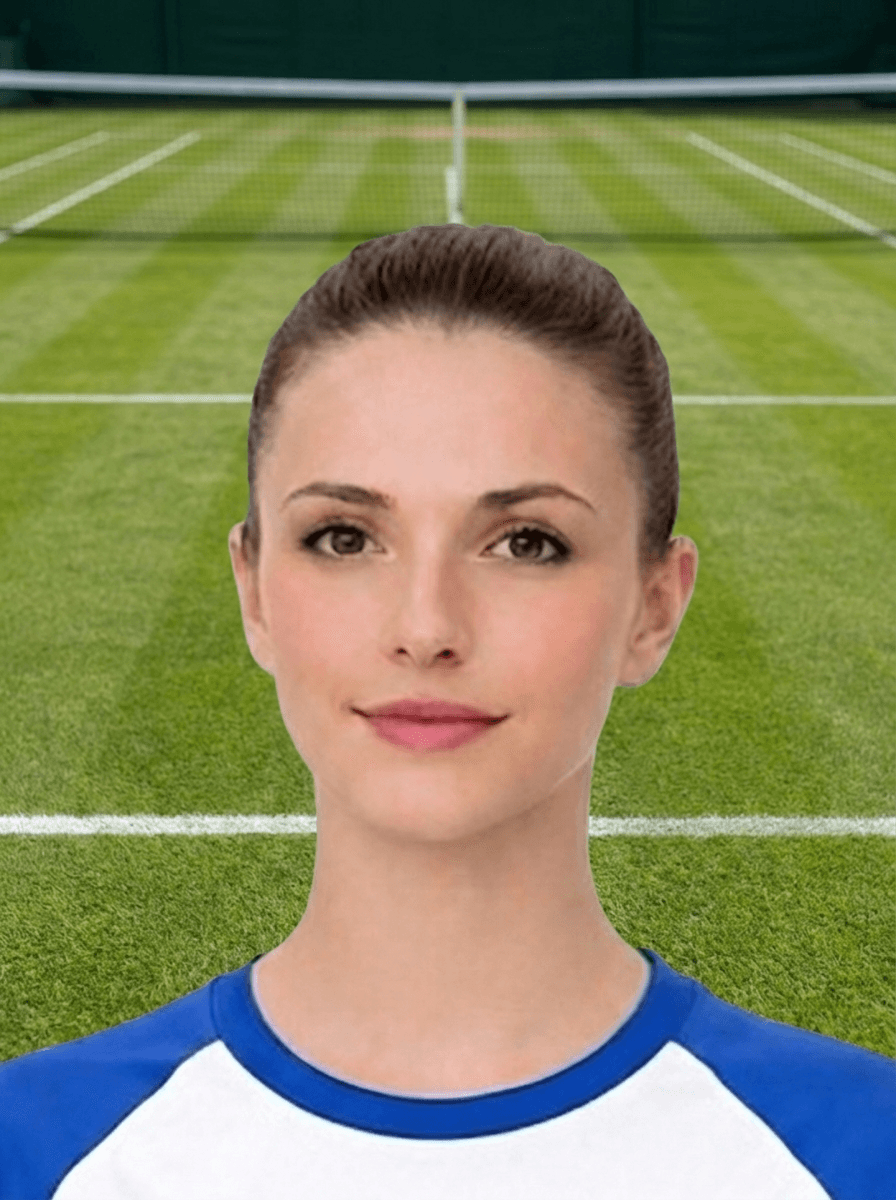
Use the free preview to screen the current image, then choose the final UK passport photo route only when the source photo is worth keeping.
Use this short list to decide whether the current photo is worth continuing with.
Follow this sequence to keep the workflow clear and reduce avoidable mistakes.
Use a plain, uncluttered background with no furniture edges, patterns, or dark objects touching the hair.
Keep the lens around eye height and avoid high-angle or low-angle selfies.
Capture a few clear images so you can reject any with blink, blur, harsh shadow, or tight framing.
Use the checker or upload checklist before choosing digital, code, or print output.
These are the errors most likely to waste time or trigger a preventable rejection.
Keyword Gap shows “how to take passport picture”, “how to take a passport photo”, and “how to take a good passport photo” as competitor-led opportunities. This page should answer the capture task before sending users into checkout.
The best conversion path is not always immediate checkout; it is a clear keep-or-retake decision.
How-to searches are the source-image stage of the funnel. This page should answer capture questions before users reach the checker or create page.
A better source image improves both user trust and final output quality.
Passport photo searches often mix requirements, checker, digital upload, code, and privacy questions. These related routes help you choose the right next step without relying on a government affiliation claim.
Yes. Many users do, but the photo still needs a clear face, steady framing, suitable light, and a plain enough background.
A plain wall, even lighting, and a sharp camera image are usually the safest starting conditions.
Avoid shadows, blur, cluttered backgrounds, awkward face position, and severe cropping mistakes.
That often helps, especially for babies and children, but a self-taken photo can also work if the setup is controlled carefully.
Use the upload flow when you already have a source image, or keep exploring the guides if you still need to fix the setup first.