If the photo looks usable, check it before you pay
Use the free preview to screen the current image, then choose the final UK passport photo route only when the source photo is worth keeping.
Expression issues usually mean the face looks too exaggerated, too uneven, or too unstable for a calm straightforward passport image. This page helps users choose the calmest frame first instead of pushing the wrong one deeper into the workflow.
A passport photo expression problem usually means the face is not neutral enough, the mouth is open, the smile changes the face noticeably or the person is not looking naturally at the camera.
Expression pages are especially useful for parents, mobile users, and anyone retaking photos at home.
Related guidance: passport photo rejected reasons · check your passport photo before paying · blur rejection guide · head size rejection guide
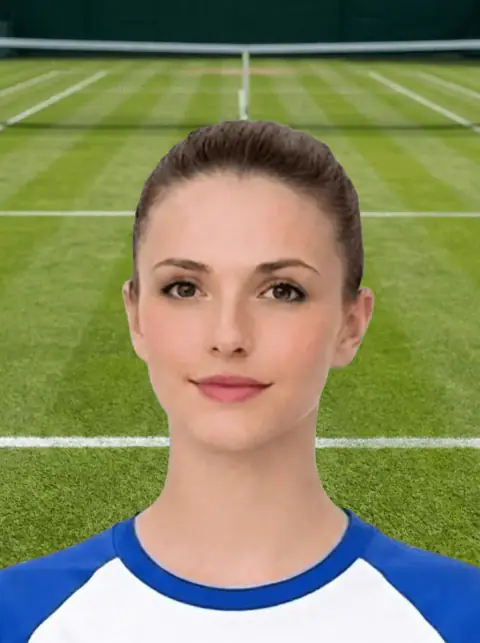
Use the free preview to screen the current image, then choose the final UK passport photo route only when the source photo is worth keeping.
Use this short list to decide whether the current photo is worth continuing with.
Follow this sequence to keep the workflow clear and reduce avoidable mistakes.
Take several photos and choose the calmest expression.
Keep the camera at eye level.
Use even lighting so the face does not look harsh or tense.
Use the checker when the expression is neutral but framing or background is uncertain.
These are the errors most likely to waste time or trigger a preventable rejection.
Expression issues usually need a retake because editing facial expression is not a safe passport-photo fix.
This gives rejected-photo users a practical next step.
Expression issues are usually source-photo issues, not editing issues.
This helps users improve the next attempt.
Expression pages need concrete retake advice because expression usually cannot be repaired after the photo is taken.
This helps connect the rejection page to face-position and glasses guidance.
Expression queries are especially important for child and baby traffic.
The page now sends users to the safest next step based on whether they are researching rules, checking a source image, or choosing a paid output.
This decision block helps users avoid paying again for a source photo that is unlikely to work.
Expression problems include smiling, frowning, open mouth, squinting, closed eyes or looking away from the camera.
Changing the mouth, eyes or expression can make the photo look unnatural.
Passport-Photo.co.uk is an independent service. Use these primary sources to verify the relevant passport-photo rules or information rights. Linking to them does not imply government endorsement.
Usually no. If the expression is wrong, retaking the photo is safer than editing the face.
Use a neutral expression, mouth closed, eyes open and looking straight at the camera.
A neutral expression with mouth closed and eyes open is safest for adult passport photos.
Strong smiles, open mouth or unusual expressions can make the image unsuitable for passport checks.
Face forward with a neutral expression, mouth closed and eyes open.
A neutral expression is safest. For babies and young children, check age-specific guidance.
Yes, if another frame has a clearer neutral expression and the rest of the photo is suitable.
A neutral expression is safest. Avoid a wide smile, open mouth or exaggerated expression.
Usually no. If the expression is not neutral, retaking the photo is safer than trying to edit the face.
Usually no. If the expression is not neutral, retaking the photo is safer than editing the face.
A neutral expression with mouth closed is safer. A visible smile or open mouth can cause problems.
Editing expression is risky because it changes facial features. Retaking is usually safer.
Use the upload flow when you already have a source image, or keep exploring the guides if you still need to fix the setup first.