A rating is shown only when eligible completed-order feedback is available for public display.
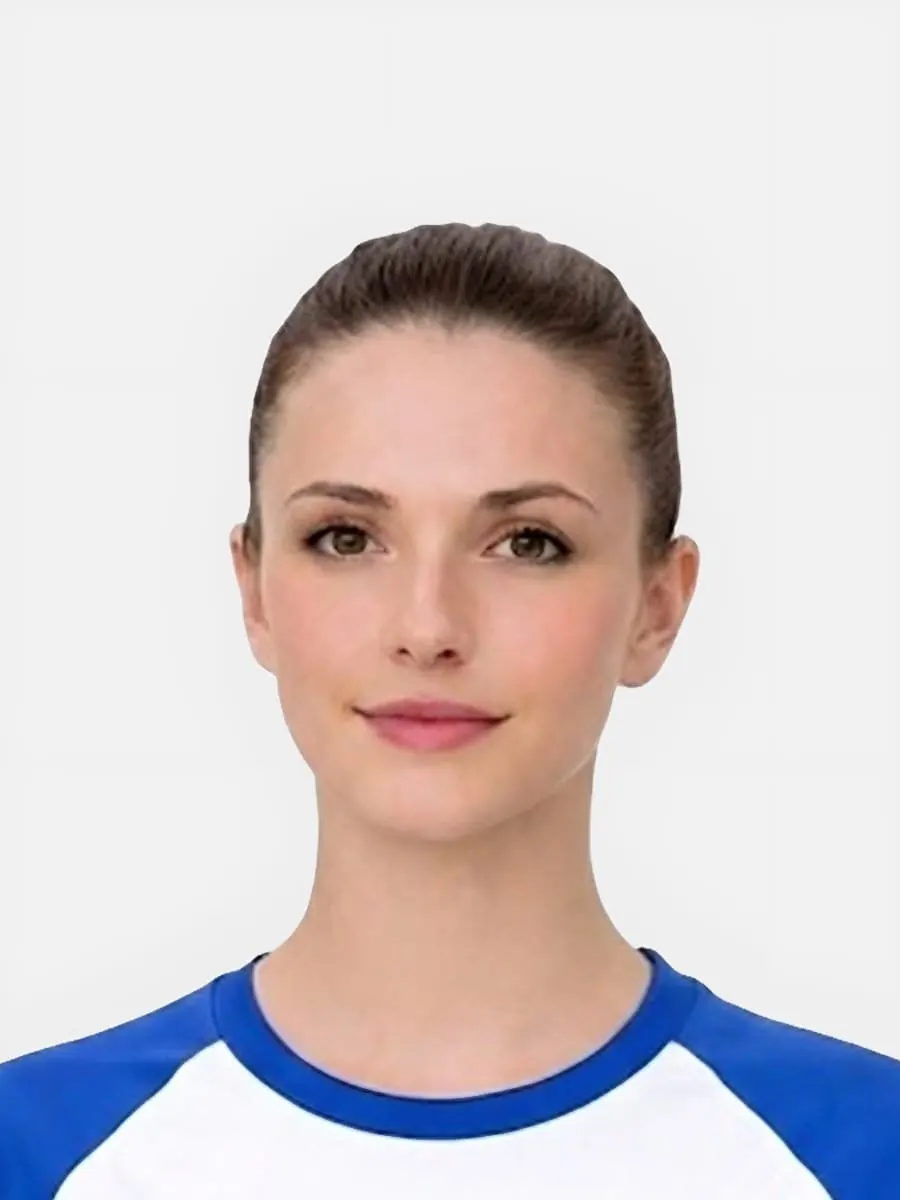
What this service prepares
The service has a clear role that you can check before uploading.
- It prepares a passport-style photo from an image you provide.
- It offers a digital file, photo code, or print-ready sheet when that choice fits the application.
- It shows a preview before you choose whether to pay.
- It provides photo rules, rejection help, and support information.
How photo quality is reviewed
The quality check explains what the preview can assess and when a retake is safer.
- The preview checks crop, background, lighting, blur, and face visibility.
- A weak source image may still need a retake rather than stronger editing.
- You can compare the preview with the photo rules before paying.
- The relevant authority still makes the final decision on the photo.
What happens before payment
You should understand the result, output, and service terms before checkout.
- A free preview is shown before you choose a paid package.
- You choose a digital file, photo code, or print-ready sheet.
- Support, photo handling, service terms, and refund information are public.
- Retake the photo rather than continue if the source image is clearly unsuitable.
Photo handling, support, and corrections
Clear contact routes help with privacy questions, service problems, and page corrections.
- The photo handling page explains privacy and deletion requests.
- The Contact page lists support@passport-photo.co.uk and what to include with a problem.
- The refund and remake page explains what proof may be needed.
- The Editorial Policy explains how to report wrong or out-of-date guidance.
Latest service check
The latest check reviewed the public facts that users should be able to verify.
- Official links were checked on pages about acceptance, size, background, baby photos, and rejection risks.
- Support and policy links were checked without entering checkout.
- Publisher and reviewer details remain visible on public guides.
- No rating, approval, address, or government link was added without proof.
What the service does not claim
Clear limits help users make an informed choice.
- It is not GOV.UK, HM Passport Office, or another government body.
- It does not claim that every source photo can be fixed or accepted.
- It does not publish made-up reviews, ratings, approvals, or local premises.
- It does not control eligibility, application processing, or the final decision.
FAQ
Is Passport-Photo.co.uk an official government service?
No. It is an independent UK passport photo preparation service and is not GOV.UK, HM Passport Office, or another government authority.
Can the service guarantee that a passport photo will be accepted?
No. Passport-Photo.co.uk can prepare and check the photo, but the relevant authority makes the final decision.
Can I see the prepared photo before paying?
Yes. You can check the preview and confirm the output choice before checkout.
Where can I read how uploaded photos are handled?
Read the Photo Handling and Deletion page for privacy details and the deletion request route.
How do I report a service problem or factual correction?
Use the Contact page or email support@passport-photo.co.uk. For a page correction, include the URL and the point that needs review.