If the photo looks usable, check it before you pay
Have a photo ready? Open the tool to check it and view the prepared preview before deciding whether to buy.
Check the current UK passport photo rules, then open a free prepared preview before deciding whether to retake the photo or choose a paid output.
A UK passport photo should be recent, clear, correctly framed, evenly lit, taken against a plain light background and show the full face without glare, heavy shadows or filters.
Independent UK-focused service, not GOV.UK or HM Passport Office. Check your photo and view the preview for free. Digital photo and photo code packages start from £4.99 if you choose to continue; print-ready files are included in the print-sheet package. HM Passport Office makes the final acceptance decision.
Related guidance: check an existing passport photo · prepare a UK passport photo online · take a passport photo at home · check UK passport photo size · driving licence photo guidance · passport photo regulations UK · passport photo examples UK · baby passport photo guidance
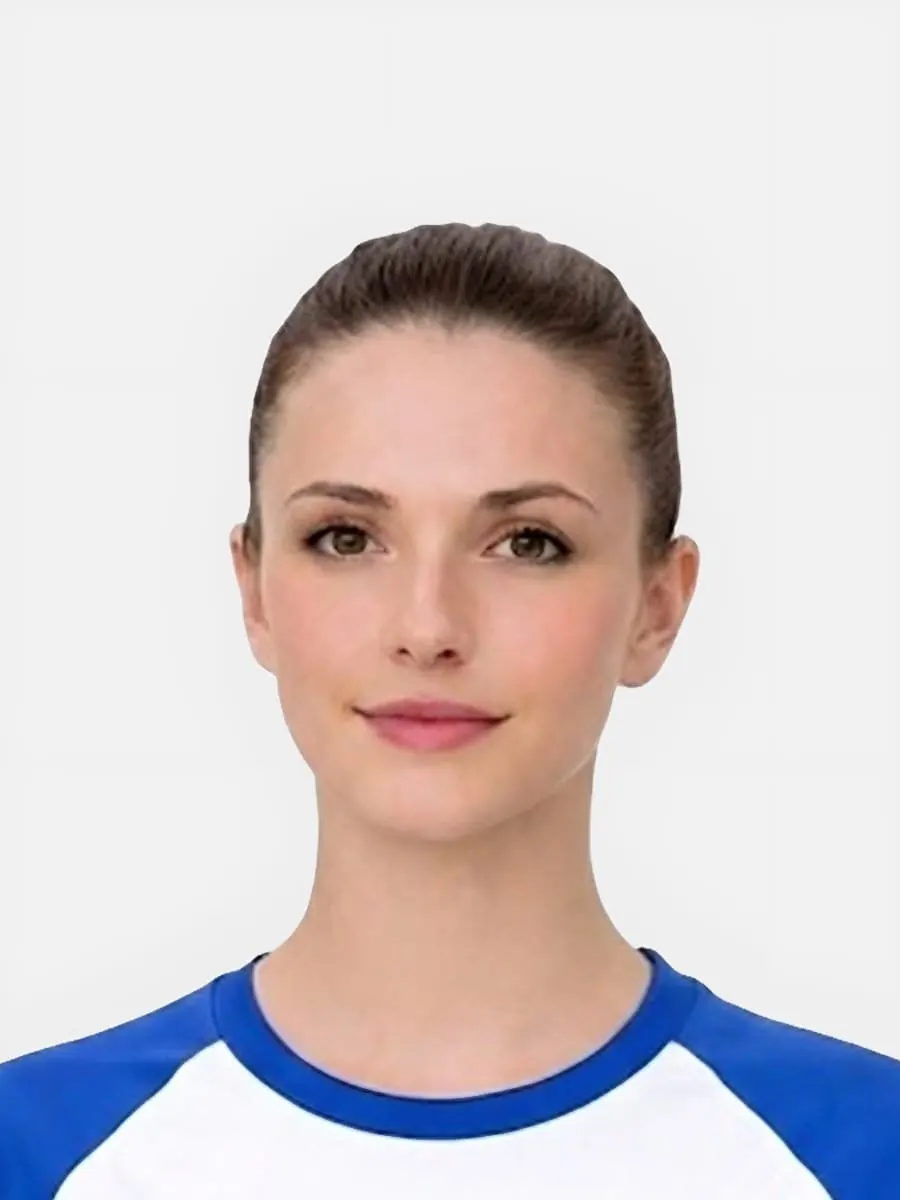
Have a photo ready? Open the tool to check it and view the prepared preview before deciding whether to buy.
Use this short list to decide whether the current photo is worth continuing with.
Follow this sequence to keep the workflow clear and reduce avoidable mistakes.
Start with a sharp image taken in even light, without heavy editing, strong shadows or a cluttered background.
Make sure the head, shoulders and face sit naturally in the frame before choosing an output route.
Use a digital file, photo code or print-ready sheet based on what your actual application asks for.
If the photo is borderline, check the preview first rather than paying for an output that may need retaking.
These are the errors most likely to waste time or trigger a preventable rejection.
The rules are not only about photo size. They also cover whether the person can be identified clearly and whether the crop looks natural.
The same source photo may need a different output depending on the application route.
Some issues are better fixed by retaking the photo than by trying to crop or edit it.
Turn the rules into one practical decision: check the current image before paying, or retake it when the source is clearly weak.
Reliable requirements pages explain the difference between preparation guidance and official application decisions.
Passport-Photo.co.uk is an independent service. Use these primary sources to verify the relevant passport-photo rules or information rights. Linking to them does not imply government endorsement.
Yes, if the photo is clear, recent, evenly lit and follows the usual UK passport photo requirements. A phone photo can work when the background, crop and face visibility are right.
The background should be plain and light. It does not need to be pure white, but it should not be patterned, dark or full of shadows.
Glasses can cause problems if they create glare, hide the eyes or cover part of the face. If glare is visible, it is usually safer to retake the photo without glasses.
Use a photo code only when the application route asks for one. If the form asks you to upload a photo file, a digital passport photo file is the more direct route.
Use the checker before paying. It can help you spot common issues with crop, background, face visibility and lighting before you choose an output.
No. It is independent practical guidance for preparing a photo and should be used alongside official application instructions.
Use size guidance for framing, the checker for an existing photo, or the main online page when ready to preview and choose output.
Use the upload flow when you already have a source image, or keep exploring the guides if you still need to fix the setup first.