If the photo looks usable, check it before you pay
Use the free preview to screen the current image, then choose the final UK passport photo route only when the source photo is worth keeping.
UK passport photos need to meet rules on background, lighting, facial visibility, framing, and image quality. This page gives a practical summary for people who want to check a photo quickly without wading through vague or duplicated advice.
UK passport photo requirements are mainly about a clear, recent, well-lit image with a plain background, natural expression, visible face, and sensible framing. This page is the rule hub; use the checker or main service page when you are ready to test a real photo.
The requirements page is a hub: it should attract early research traffic and hand users cleanly into conversion pages once they trust the guidance.
Related guidance: UK passport photo size · face position guide · passport photo rejection reasons · check your passport photo first
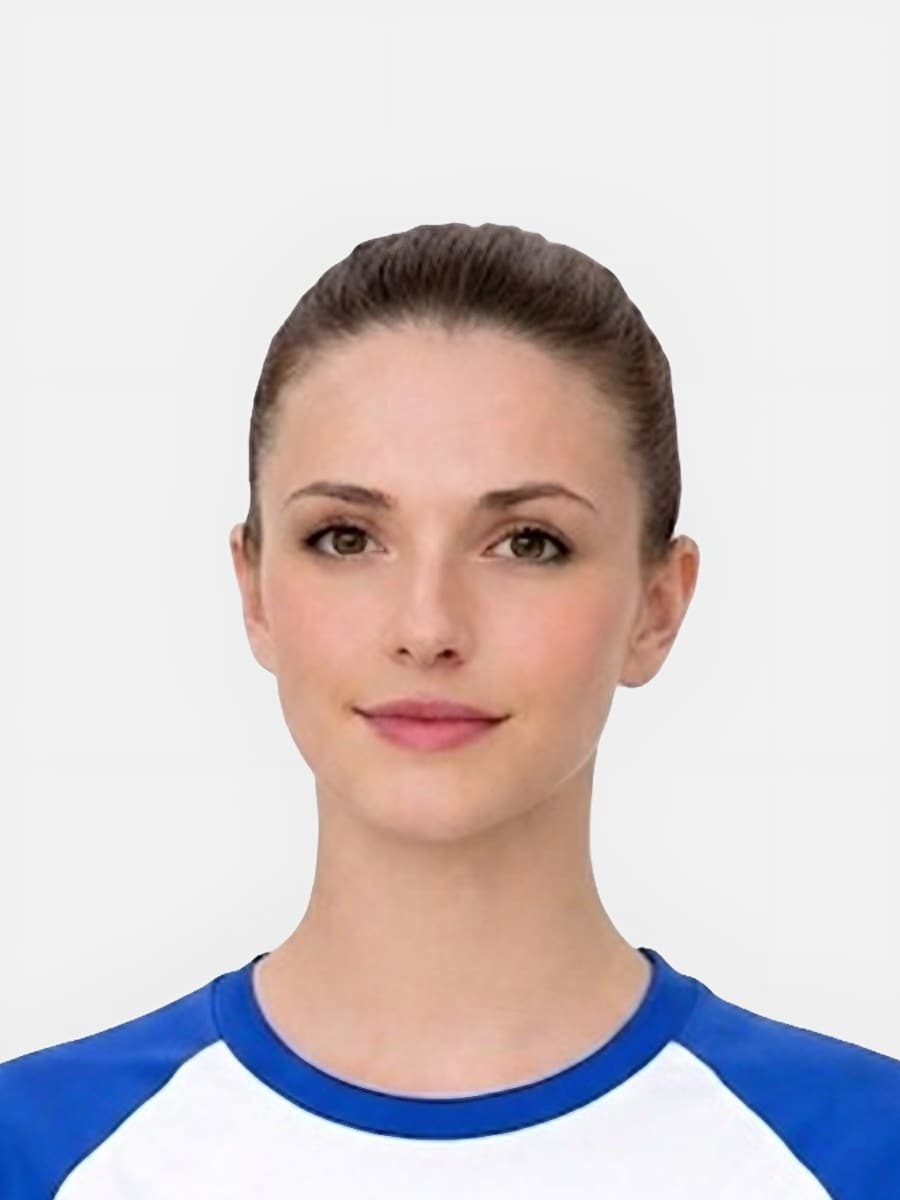
Use the free preview to screen the current image, then choose the final UK passport photo route only when the source photo is worth keeping.
Use this short list to decide whether the current photo is worth continuing with.
Follow this sequence to keep the workflow clear and reduce avoidable mistakes.
If the source photo looks close, use the free checker before paying for a final output.
If the application accepts an upload file, use the digital passport photo page.
If the application asks for a code, use the passport photo code page and do not assume a file is enough.
If physical prints are needed, use the printable passport photo page rather than a digital-only route.
These are the errors most likely to waste time or trigger a preventable rejection.
Keyword Gap data shows separate searches for passport photo rules UK, passport photos requirements, rules for passport photo, passport guidance photo, and passport photo standards. These all belong on this requirements hub rather than scattered thin pages.
A rules page should reduce uncertainty and send users to the right practical route.
Semrush shows users searching across rule wording, standard wording, guideline wording, and picture wording. This page should remain the authority hub that connects all of those variants.
Informational traffic should not dead-end. A user reading requirements should have a clear next step based on their source image.
Passport photo searches often mix requirements, checker, digital upload, code, and privacy questions. These related routes help you choose the right next step without relying on a government affiliation claim.
The safest background is plain and free from distracting texture, objects, and strong shadows around the head or shoulders.
A neutral or natural expression is usually the safer route. Avoid exaggerated smiles or expressions that change the shape of the face too much.
The key issue is facial visibility. Hair should not cover the main features or make the outline of the face unclear.
The most repeated problems are shadows, blur, poor lighting, incorrect crop or head size, and visibility issues around the face.
No. Searchers often use British passport photo specs, passport photo standards, and UK passport photo requirements for the same rules: size, background, face visibility, lighting, expression, and image quality.
Check face visibility, sharpness, even lighting, plain background, correct crop, and head size first. These standards decide whether the photo is worth preparing or should be retaken.
People often use passport requirements picture to mean the practical photo checks: plain background, even light, clear face visibility, neutral expression, balanced crop, and enough sharpness before upload or payment.
No. Passport picture requirements are the photo rules. Passport application requirements include wider official steps such as eligibility, identity documents, forms, and fees, which should be checked through the official application route.
Use the upload flow when you already have a source image, or keep exploring the guides if you still need to fix the setup first.