Digital Photo + Photo Code
Most Popular
£4.99
- HD digital file (JPEG/PNG)
- UK photo code for online applications
- Instant download
- Acceptance guarantee coverage
A passport photo can be prepared for different outputs. Use this page to decide whether you need a direct digital upload file, a passport photo code, a print-ready sheet, or an in-person booth or shop route.
Passport photo output comparison should help users choose between a digital upload file, passport photo code and print-ready sheet. The correct output depends on the application instruction.
Route-choice guide for UK users. Always follow the wording in the application route before paying for a final output.
Related guidance: digital passport photo UK · passport photo code UK · printable passport photo UK · online vs booth · service comparison
Most Popular
Complete package with print-ready files
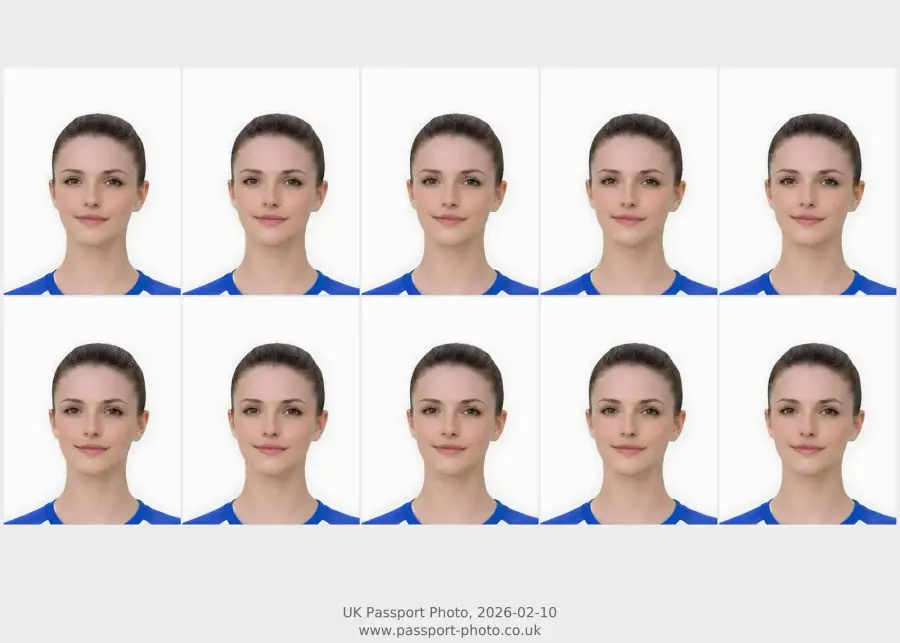
Use this short list to decide whether the current photo is worth continuing with.
Follow this sequence to keep the workflow clear and reduce avoidable mistakes.
Read the application instruction first.
Check the prepared preview before paying.
Choose only the output that matches the route.
Contact support if a paid code or download link does not work.
These are the errors most likely to waste time or trigger a preventable rejection.
Compare passport photo outputs before paying.
| Output | Use when | Avoid when |
|---|---|---|
| Digital file | The application accepts a prepared image upload. | The application asks specifically for a photo code or physical print. |
| Photo code | The application asks for a code. | A normal image upload is accepted and no code is requested. |
| Print-ready sheet | You need physical photos or a sheet to print. | The application is fully online and accepts digital upload only. |
| Booth or shop | You need in-person capture or printing support. | You already have a strong source image and want a preview-first online route. |
This is the route to choose when the application accepts an image file directly.
A photo code is a different handoff route and should not be treated as the same as a JPEG file.
Print-ready output is useful when the final need is physical photos rather than an online upload.
Channel choice depends on whether you need the photo taken in person or already have a workable source image.
This section directly addresses conversion waste and refund risk.
A comparison page should help users leave with a concrete next step.
Wrong-output purchases are a conversion and support risk; answering them upfront builds trust.
Comparison pages should send users to one clear action.
These mistakes often cause support cases and failed submissions.
Strengthen conversion by explaining the decision before checkout.
Output comparison pages should reduce checkout confusion.
This strengthens commercial intent while keeping the page factual.
The page now tells users whether they are dealing with photo preparation, output selection, support, or an official application question.
This decision block helps users verify the route, trust boundary and output before entering a paid flow.
Output comparison pages help users avoid the most expensive mistake: buying a good-looking photo in the wrong format.
No. A digital passport photo file is an image upload. A photo code is a separate handoff route used only when the application asks for a code.
Only if you have a print-ready sheet or correctly sized file for printing. A digital upload file is not always the same as a print-ready output.
Read the application wording first, then choose digital file, photo code, or print-ready sheet. If unsure, start with a checker or comparison page before paying.
No. The output route must match the application, and the image still needs to satisfy the relevant photo requirements.
Buy the output your application route asks for: digital upload file, photo code, or printable sheet. If unsure, compare route wording before checkout.
Not always. Direct upload, photo-code, and paper-photo routes can require different deliverables.
Yes. If the source image is blurred, shadowed, or tightly cropped, fix-or-retake decisions should come before package choice.
Use a digital file for upload fields, a code for code fields, and print-ready output for paper photo routes.
No. Different application routes ask for different output types.
You can take the source photo first, but choose the final output only after checking what your application route asks for.
Choose based on the application route: direct digital upload, photo code, or print-ready sheet. Do not buy print if the route only needs a digital file.
Use the preview step to decide the image quality first, then choose the output that matches your application route.
No. A photo may be visually suitable but still be the wrong output format for your application route.
Use the upload flow when you already have a source image, or keep exploring the guides if you still need to fix the setup first.