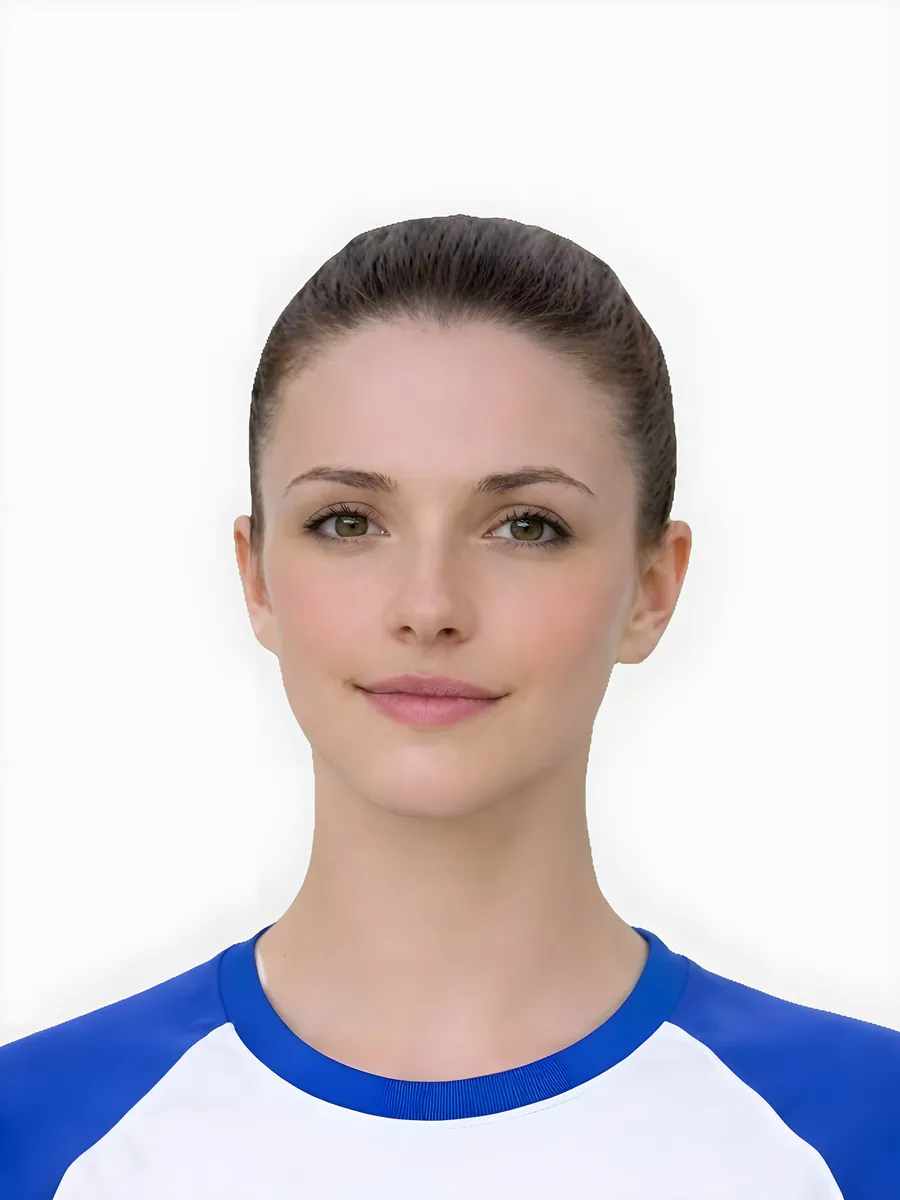
Quick checklist
Use this short list to decide whether the current photo is worth continuing with.
- Confirm whether your question is about rules, image size, digital upload, photo code, or print output.
- Use a clear source photo with enough room around the head and shoulders.
- Check the preview before checkout instead of paying for a weak source image.
- Use official GOV.UK or HM Passport Office instructions for the final application step.
Step by step
Follow this sequence to keep the workflow clear and reduce avoidable mistakes.
- 1
Identify the photo task
Decide whether you need a rule explanation, a digital file, a photo code, or a printable output.
- 2
Check the source image
Look for obvious rejection risks such as blur, strong shadows, glare, tight crop, or busy background.
- 3
Use the preview-first route
Open the checker or main online service and continue only if the prepared preview looks suitable.
- 4
Choose the correct output
Use digital, code, or print-ready guidance based on what the application route actually asks for.
Common mistakes
These are the errors most likely to waste time or trigger a preventable rejection.
- Treating a digital upload file, photo code, and printable sheet as the same output.
- Assuming size alone means the photo will be accepted.
- Uploading a close selfie that leaves no room for a compliant crop.
- Ignoring photo handling, support, and refund information before checkout.
What approval wording can and cannot mean
Searchers often use "approved passport photos" when they really mean a photo that looks ready for the official application checks.
- No independent website can make the final decision for HM Passport Office or GOV.UK.
- A useful preparation page should explain visible risks before payment, not promise official acceptance.
- The practical checks are background, lighting, face visibility, crop balance, image sharpness and output route.
- If a photo is marginal, the safer action is to retake or use a checker before paying for a final output.
How to use this page before checkout
Use this page as a trust and decision bridge before moving to the online service.
- Start with the requirements page if you need the full rule set.
- Use the checker page when you already have a source photo and need a keep-or-retake decision.
- Use the code page only when the application asks for a photo code.
- Use the digital page when the form asks for an upload-ready image file.
Approved wording needs careful boundaries
Users search for approved passport photos, but an independent service should avoid implying official pre-approval.
- The service can help prepare a photo that appears to meet visible requirements.
- Official acceptance depends on the application and submitted photo.
- Use requirements and checker pages before checkout.
- Retake when visible risk is high rather than relying on approval wording.
How to improve the chance of a usable photo
This gives a positive, practical path without fake guarantees.
- Use a sharp source photo.
- Check background, crop, face visibility and lighting.
- Review the preview before selecting output.
- Choose the correct route: digital file, code or print-ready sheet.
Official sources
Passport-Photo.co.uk is an independent service. Use these primary sources to verify the relevant passport-photo rules or information rights. Linking to them does not imply government endorsement.
FAQ
Can Passport-Photo.co.uk guarantee an approved passport photo?
No. The final application decision belongs to the relevant official service. This site helps prepare and preview a photo so visible problems can be found before checkout.
What should I check before calling a photo acceptable?
Check that the face is clear, lighting is even, the background is plain, the crop is balanced and the output route matches the application instructions.
Can this site provide an approved passport photo?
It can help prepare a photo against practical visible checks, but it cannot pre-approve an official application.
What should I check before paying?
Check source quality, requirements, output route and preview result before checkout.
Prepare your photo before you submit it
Use the upload flow when you already have a source image, or keep exploring the guides if you still need to fix the setup first.